Understanding Payslip Information
Check the period and breakdown so questions about pay are easier to explain
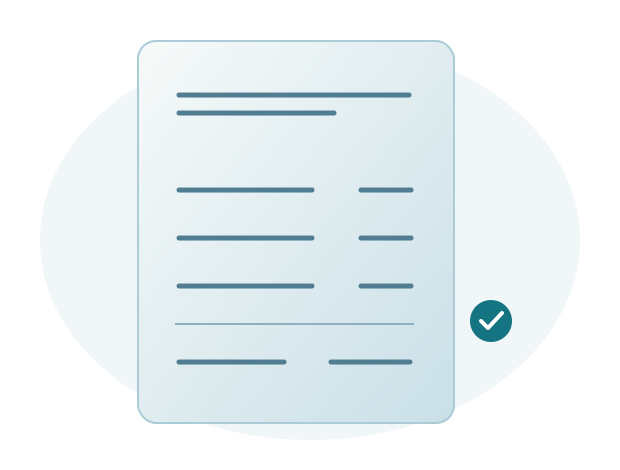
A payslip shows an employee's payroll breakdown for a specific period. It may include the period, earnings, deductions, and final amount according to the company's format. Reading the details helps employees understand the result and ask questions with clear context.
Start with the period and employment details
Make sure the payslip covers the intended period. Check the employee and assignment details shown, particularly after a change in work arrangements.
The payment month may differ from the attendance or overtime period being calculated. For example, overtime near month end may be paid the following month under the company's data submission deadline. Ask HR which period applies if the breakdown is unclear.
Understand the earnings components
Check each component's name and value. Basic salary follows the amount set by the company, while components such as overtime pay may change according to the period's data.
Similar component names do not always carry the same rules across companies. Use HR's official explanation to understand the meaning that applies.
Check deductions and net pay
Review each deduction's name and amount, then check that total earnings minus total deductions matches the final amount on the payslip. If a value is unclear, tell HR the deduction name and payslip period so its calculation source can be traced.
Do not infer the cause of a change from net pay alone. Several parts of the breakdown may contribute and need to be read together.
Ask questions using clear examples
Identify the period, component, and difference you want to understand. If comparing two payslips, use the relevant details and explain the reason for your question.
Sigma HRIS and Forte HRIS help prepare payslips and provide online employee access according to company settings. Sigma assists with setup and use to make information easier to access and understand.
Make pay questions easier to investigate
Example: an amount differs from the previous period
An employee notices a different final amount and wants to know why. Start by comparing components across the two periods, not just totals. Once the difference is identified, the employee can ask HR about that detail, such as why overtime pay is lower this month. HR can then focus immediately on the relevant records.
For an overtime difference, HR checks the period and approved actual overtime. For a salary increase, HR checks the new amount and effective date. Specific explanations reduce repeated conversations that do not reach a clear answer.
Keep explanations straightforward for users
Employees do not need to understand every payroll setting to read a payslip. Consistent component names and clear explanations help more than lengthy technical terminology. Use questions HR frequently receives when preparing the format and training.
When preparing payslips in Sigma HRIS or Forte HRIS, use examples containing component names and periods employees often ask about. Sigma helps configure and test the format and access. HR can use the same examples to explain how to read the payslip and what to include when asking a question.