Managing Employee Data Across Multiple Branches
Keep core information consistent and clarify the responsibilities of central and branch HR
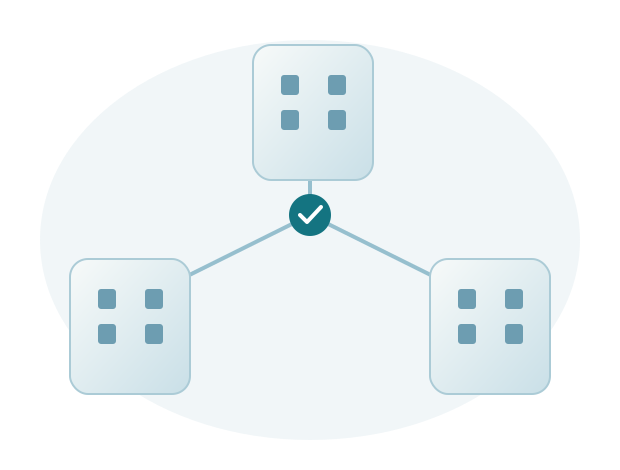
Managing employee data across multiple branches requires consistent references and clear responsibilities. Central HR needs information to understand the company as a whole, while branches need records for their operations. Both should use the same definitions and periods when comparing reports.
Use consistent names and identifiers
Agree on branch, department, and job title names, as well as employee numbers. Different names for the same location can split reports or make records difficult to match.
Do not standardize every detail merely for consistency. Genuine differences in schedules or operational needs should still be explained and recorded as required.
Define head office and branch responsibilities
Clarify which information branches may update and which requires head office confirmation. Branches can provide operational information, while designated head office staff perform particular checks.
Keep communication straightforward so a change does not stop at a message to one person. Define when information must be shared and how the outcome is confirmed.
Match user access to responsibilities
Users need access appropriate to their location and work. Discuss viewing, updating, and reviewing information as separate requirements during mapping.
Review access when a user's responsibilities change. Permissions appropriate to the previous role may not be needed in the new assignment.
Compare reports using the same period
Before consolidating branch information, confirm that the reference date and definitions match. The number of active employees at month end can differ from the number of people who worked at any time during that month.
Sigma HRIS and Forte HRIS support HR needs across multiple branches. Sigma helps with mapping, setup, and use so head office and branch teams can coordinate their work more easily.
Find out why head office and branch reports differ
Example: different employee counts
Central HR reports 48 employees at the Bandung branch at the end of September, while the branch reports 50 for the same month. Two employees left before month end: head office counted employees still active, while the branch counted everyone who worked during September. HR should align the definitions and reference date before requesting data corrections.
Agree on the report's purpose and what it counts, then use one branch as an example to check the results. Clear definitions make comparisons with other branches easier because users understand how the figures were calculated.
Prepare data records for a new branch
Opening a branch may introduce new schedules, team structures, and users. Prepare reusable data standards and responsibilities, then discuss any necessary differences. This avoids creating an entirely new recordkeeping approach for each location.
Before implementing Sigma HRIS or Forte HRIS, central HR and branch representatives should bring sample records, schedules, and reports from each branch. Sigma helps discuss which differences to retain and which information to standardize. Responsibilities and access requirements then guide setup and user training.