Choosing HRIS for a Company with Multiple Branches
Review head office and branch requirements within one workflow
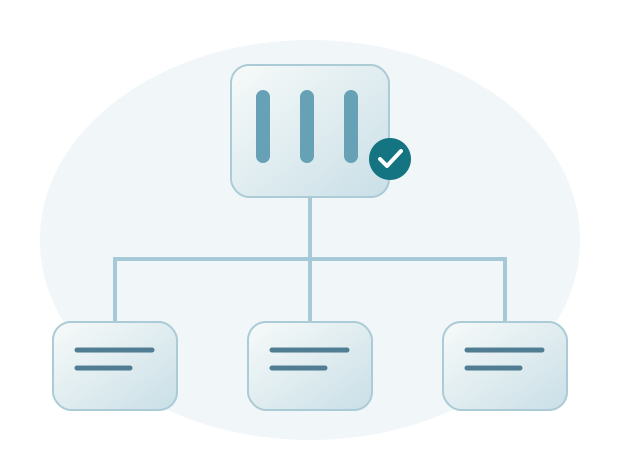
HRIS for a company with multiple branches should support coordination while respecting differences in daily work at each location. Being able to add a branch name is not enough. Check data, schedules, access, approvals, and how head office obtains the information it needs.
Use consistent names and codes
Location, department, and position names, along with employee numbers, need a consistent meaning. If branches use different codes for the same information, head office may need to make extra corrections when consolidating records. Decide which information head office manages and which details branches may update.
During the demo, ask to see an employee moving to another location. Check the effective date, placement records, and effects on subsequent processes. A change of location does not necessarily mean all historical records should follow the new branch’s rules, so the applicable period must be clear.
Check differences in schedules and work rules
Branches may have different operating hours, schedules, and approval requirements. Show the variations your company actually uses and ask how to configure them. Avoid testing only the simplest branch.
If you use attendance devices, check the devices, employee codes, and synchronization method. Device compatibility needs confirmation. For payroll, discuss the components shared across placements and those that differ under company policy.
Assign access according to responsibilities
Branch HR may handle only certain locations, while head office HR needs a broader overview. Managers need access to the teams they oversee. Test these arrangements when the organization changes, not just in its initial structure.
Also review reporting requirements. Explain whether head office needs information by branch, department, or period. Ask for sample results and how to investigate differences in records so reports are useful, rather than simply appearing comprehensive.
Discuss your branch requirements with Sigma
Sigma HRIS and Forte HRIS support HR management across branches according to your company’s modules and configuration. During requirements mapping, our team reviews data, variations in rules, and access responsibilities. Implementation is prepared quickly through a structured process, with assistance for head office and branch users.
We continue supporting users after they start using the application, with a commitment to resolving their issues. Regular development takes customer feedback into account. Sigma HRIS is available for on premises and private cloud deployment, while Forte HRIS is cloud based, providing options for your company’s IT environment.
Demo scenarios for head office and branch requirements
Choose locations with different working conditions
Use an example of a head office with fixed hours and an operational branch with shifts. Include an employee moving from head office to the branch on a specific date. Ask how placement, schedule, and manager are changed, then check the information visible to head office HR and branch users. This example shows whether the move is accompanied by the correct schedule, manager, and access changes.
Add a request that is still in progress when the manager changes. Ask who reviews it and how it is followed up. If specific settings are needed, record the requirements and who will confirm them. You do not need to test every variation in one session, but situations with the greatest operational impact should be understood before agreeing on implementation scope.
Plan coordination after use begins
Decide who updates location data, monitors pending requests, and sends review results to head office. For example, branch HR checks shift changes before the reporting deadline, and head office HR follows up on unresolved differences. Record issues by branch, including the period, employee example, and impact. This helps head office determine whether an issue affects one location or needs a wider review.
Sigma HRIS and Forte HRIS address these needs through modules and configuration discussed with your company. The Sigma team assists with preparation and training so users understand their responsibilities. If problems arise, support with a clear escalation path helps resolve them. Branch users’ experience also informs application quality and further development.