Managing Employee Transfers and Promotions
Record decisions and effective dates so changes in responsibilities are clear
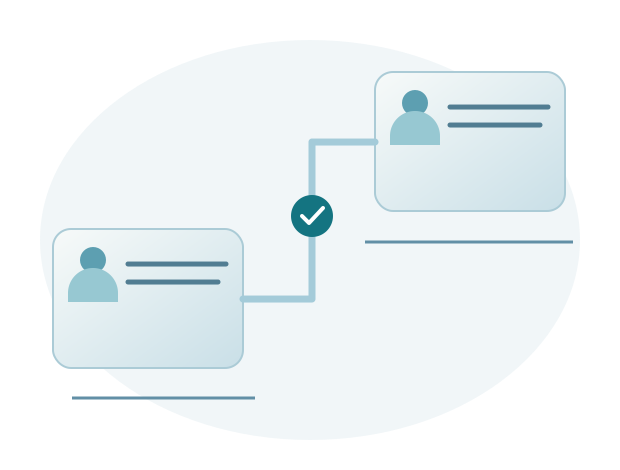
Transfer and promotion administration records changes in work arrangements approved by the company. A transfer may involve moving to another unit or location, while a promotion involves a higher role or level under company policy. Records should reflect the decision and its effective date.
Start with a confirmed decision
Check the employee, approved changes, and authorized decision maker. Distinguish proposals from final decisions so operational records are not updated prematurely.
If a change has several stages, clarify when each takes effect. This helps HR decide which updates to make now and which to prepare for a later period.
Check the assignment, manager, and schedule
A change in job title does not always mean a change in location, and the reverse is also true. Check which details have actually changed so existing information that remains correct is not replaced unnecessarily.
HR confirms whether the transfer changes the employee's manager or work schedule. If it does, share the effective date and new details with the employee, receiving manager, and attendance administrator. They need the same reference when reviewing requests and attendance after the transfer.
Coordinate changes that affect payroll
If the decision affects salary components, send the details and effective date to authorized payroll staff. A promotion's pay adjustment follows the company's decision, so confirm the amount for the employee concerned.
Check the results for the relevant period against company rules. If a change takes effect partway through a period, discuss how it should be recorded and calculated before using the results.
Keep a change record and check the results
Record the information before and after the change, the effective date, and the decision reference required for administration. After updating the data, check examples of the affected processes.
Sigma HRIS and Forte HRIS support transfer and promotion management according to configuration. Sigma assists with preparation and use, including investigating issues through to resolution.
Record promotions with the correct start date
Example: a promotion effective next month
An employee receives a decision promoting them to supervisor from the following month. HR needs to distinguish the date the decision was received from the date it takes effect. Updating the job title for the current month could cause reports or requests to use the new authority too early. HR therefore needs to ensure the change applies from the correct date.
Before the start date, confirm the team the employee will lead, their manager, and the required authority. If salary components change, payroll staff check that decision separately. This preparation helps the company handle the full change in responsibilities rather than simply replacing a job title.
Check that subsequent processes use the right information
After the change takes effect, review sample requests and relevant reports. If requests still go to the previous manager, investigate the settings and data period. Records from before and after the change help explain the results without relying on memory or scattered conversations.
When preparing transfers and promotions in Sigma HRIS or Forte HRIS, bring sample decisions, effective dates, and the details that change. Sigma helps map requirements and check the results. If a request or report still uses old data, include the example when contacting support so the cause can be investigated.