Escalating HRIS Issues
Continue resolving issues through clearly assigned contacts
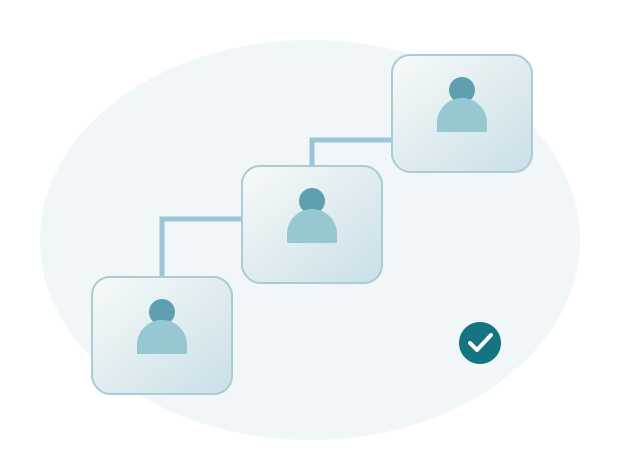
HRIS issue escalation moves handling forward when a problem needs additional coordination, authority, or attention. It does not mean starting the report again. Existing information and investigation results should be passed on so that the next person can continue the work.
Explain why escalation is needed
Describe the process still affected, its impact, and assistance not yet available. Use the facts and handling progress to explain the further help required.
Escalation may be needed for coordination across teams or a specific decision. Its purpose is to support resolution, not simply add more people to a conversation.
Include a summary of the investigation so far
Record the original problem, examples used, actions tried, and latest results. Note any information still awaited and the people involved.
A summary helps the next responsible person understand the situation without asking the user to repeat the entire account.
Agree on next actions and communication
Ensure someone coordinates the next steps. Users need to know what help is required from them and how progress will be communicated.
When several teams are involved, avoid conflicting instructions. Coordinate changes and checks so that the result of each action can be identified.
Finish by checking the outcome
After action is taken, retest the affected process. Record the result and user confirmation so that handling does not end with an internal decision alone.
Sigma provides escalation from the Application Specialist to the Support Manager or Project Manager, and up to chief level as needed. Our commitment to support continues until the problem is resolved.
Continue handling when another team is needed
An issue requiring coordination between systems
For example, attendance data has not appeared in an HRIS report. Investigation shows that coordination with the attendance device administrator or company network team is needed. The specialist summarizes the checks already performed, sample results, and missing information. The Support Manager or Project Manager helps coordinate so that the next responsibilities are clear.
Users continue to receive progress explanations and specific requests for assistance. If further attention is needed, escalation proceeds as appropriate. The responsible coordinator makes sure each team knows its next task and records findings so that work can continue.
Use the resolution to improve the process
Once the issue is resolved, check whether instructions, settings, or coordination need improvement. Not every incident requires a feature change. Some can be addressed with clearer user guidance or better coordination of responsibilities between teams.
Sigma HRIS and Forte HRIS are supported by a team focused on application quality, issue resolution, and user experience. Dedicated WhatsApp contact and support groups provide assistance through a clear escalation path. Customer feedback also informs regular product development.