HRIS Selection Checklist
Compare options against work requirements and verified evidence
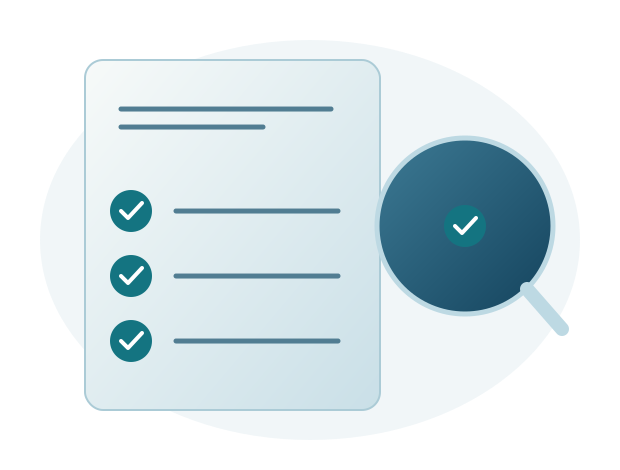
An HRIS selection checklist helps a company assess its options against the same criteria. Start with the work the application needs to support, rather than the longest feature list. Include columns for evidence, status and outstanding questions so decision makers can revisit the findings from each demo.
Identify essential requirements first
Record the processes that most often hold up work and the results you expect. For example, HR may need to review attendance across several branches without manually combining files.
Separate what must be available when work begins from what can be introduced later. This keeps additional features from distracting the team from the main problem.
Ask for evidence through practical examples
Use an example of your company's process during the demo. Check who enters the information, who approves it and how users can review the result.
Distinguish capabilities that have been demonstrated from those that still need configuration or confirmation. An answer such as “the feature is available” should be followed by an example that matches your needs.
Review preparation and user support
Discuss migration, setup, training, responsibilities and support channels. Assess the application alongside the help available when users begin their daily work.
Make sure costs and service coverage can be compared fairly. Record what is included and which additional needs still require discussion.
Resolve outstanding questions before choosing an application
Assign someone to obtain any missing information. The evaluation should explain the reasons for the choice, including limitations and preparation still required.
Sigma's team discusses Sigma HRIS and Forte HRIS using examples of your company's needs, backed by structured implementation and a commitment to support until issues are resolved.
An example format you can use
Use this example as a starting point. Copy the table into your working document and adapt its contents, owners, dates and statuses to your company. The entries are illustrative, not findings from an actual company assessment.
| Item to review | Example evidence | Example status | Next action |
|---|---|---|---|
| Core requirements | Attendance for two branches demonstrated | Reviewed | HR confirms the results |
| Access permissions | Supervisor can view only their own team | Testing required | Prepare sample user accounts |
| Migration | Data scope discussed | Awaiting confirmation | Complete the list of data sources |
| Training | Materials match users' responsibilities | Discussion required | Identify participants |
| Support | Contacts and escalation explained | Discussed | Record official support channels |
| Costs and scope | Service breakdown available | Review required | Compare equivalent scope |
Using the checklist in discussions across teams
An example from a company with several branches
HR wants to review attendance centrally, while each branch manager needs access only to their own team. Record these as two separate checks: consolidating information and restricting access according to responsibilities. During the demo, use one example from each branch so the discussion goes beyond how the report looks.
If either condition cannot yet be demonstrated, record the question and request further explanation. Do not mark a requirement as “met” simply because a menu exists. Specific evidence helps HR, IT and management understand which capabilities have actually been checked.
Use the findings to prepare for implementation
A completed checklist can inform implementation discussions. Confirmed requirements guide setup, while outstanding decisions need an owner. This helps keep important requirements from being lost after a vendor is selected.
Sigma HRIS and Forte HRIS are HRIS applications with payroll as one of their modules. Sigma's team prioritizes application quality, user experience and support until issues are resolved. Regular development based on customer feedback helps address evolving needs after implementation.